Setup Guide
How to set up IPTV in 10 minutes
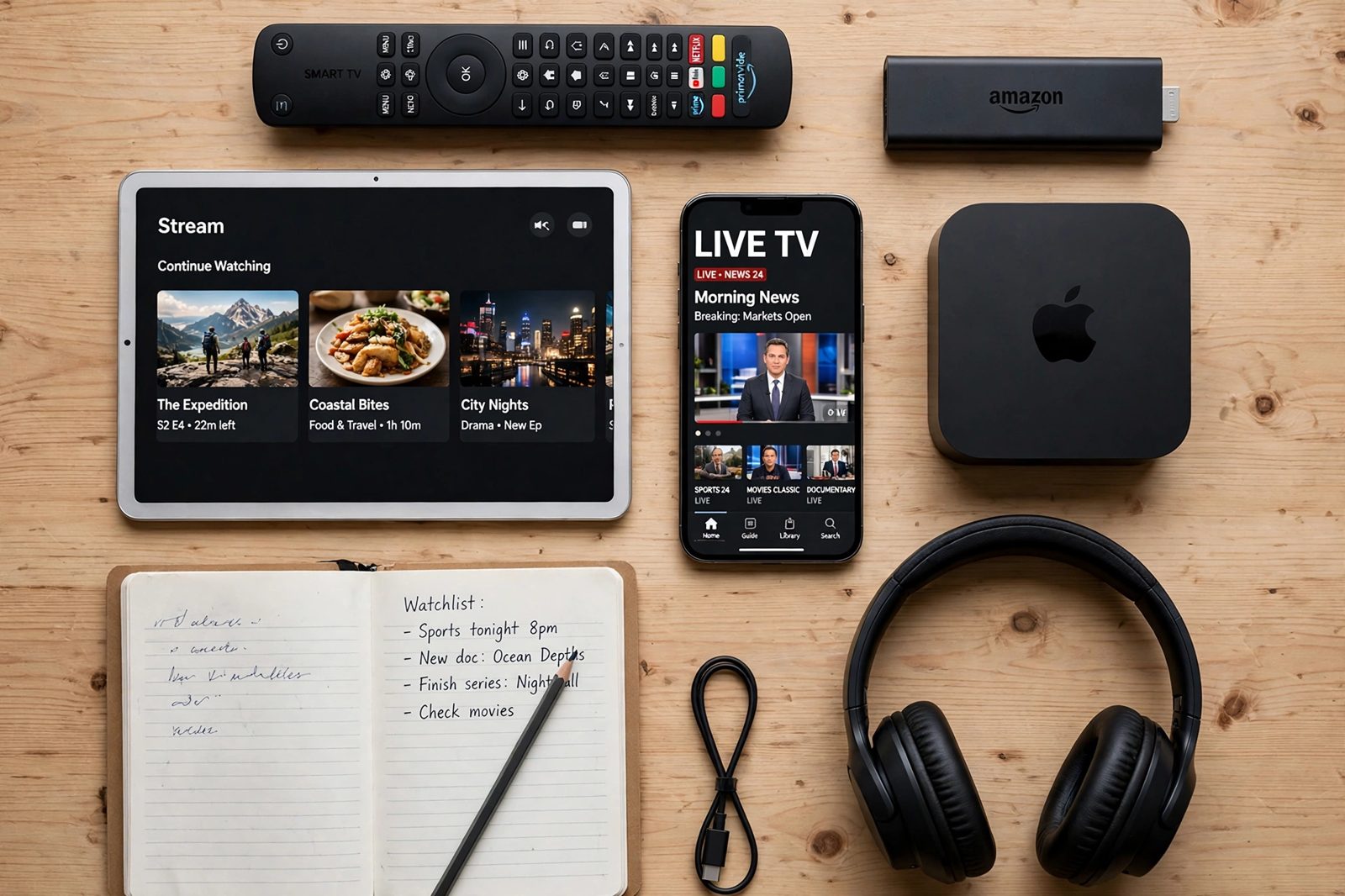
Step 1 - Pick your device
Most homes already own it: Samsung / LG Smart TV, Firestick, Apple TV, Android TV, phone or laptop. Firestick is the easiest if your Smart TV is old.
Step 2 - Get your test
Start the free 24-hour test. You will get login details for the registration page. Keep them handy.
Step 3 - Install the player app
Install the IPTV player your provider recommends for your device. Do not install random apps from unknown links.
Step 4 - Log in, set favourites
Log in, open the EPG, set favourites for AFL, NRL, news and kids. This takes 2 minutes and saves you daily frustration.
Step 5 - Fix Wi-Fi (if it buffers)
- Move closer to router or use Ethernet.
- Use 5GHz Wi-Fi, not 2.4GHz.
- Restart router + device once.
- Test at peak hour, not at 2am.